Integrated in 10 companiesOur projectAI / ERP
AIDIR
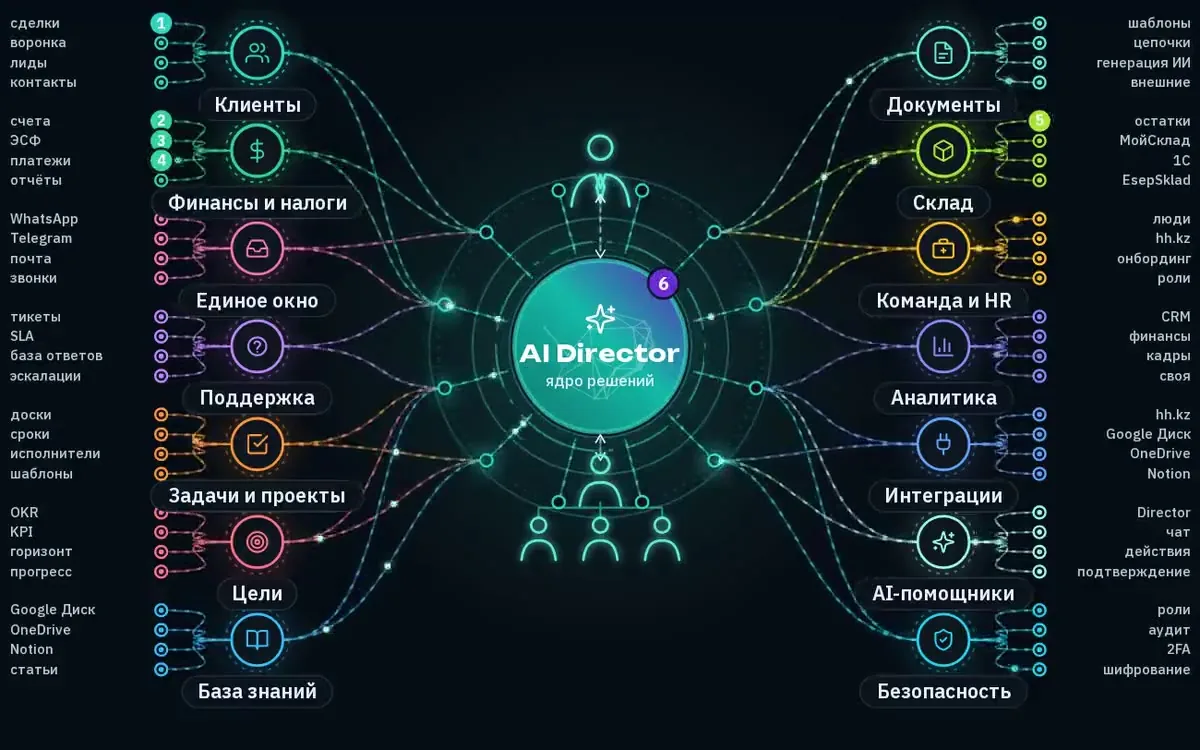
AI platform for business management: CRM, sales funnel, tasks, documents and finance — with AI Director acting as an operational manager.
- Next.js 16
- React 19
- TypeScript
- PostgreSQL
- Prisma
AI & Automation
Eliminate manual work in processes and deploy models where there is a volume of requests, documents, and inquiries — with measurable impact.
We don’t sell “GPT implementation”. We design the department’s task, data, quality control, and the point where a human remains in the loop. Pilot → metrics → scale.
Our Product
AI Director runs the company: tasks, processes, analytics
The most powerful solution on the market for business process automation.
X‑Labs’ own product: we built AIDIR and continue to develop it ourselves — this is not a third‑party platform implementation.
AI platform for business management: CRM, sales funnel, tasks, documents and finance — with AI Director acting as an operational manager.
The central module of AIDIR – an operational director following the “human in the loop” (HITL) principle: the system proposes, a person approves, then the system acts.
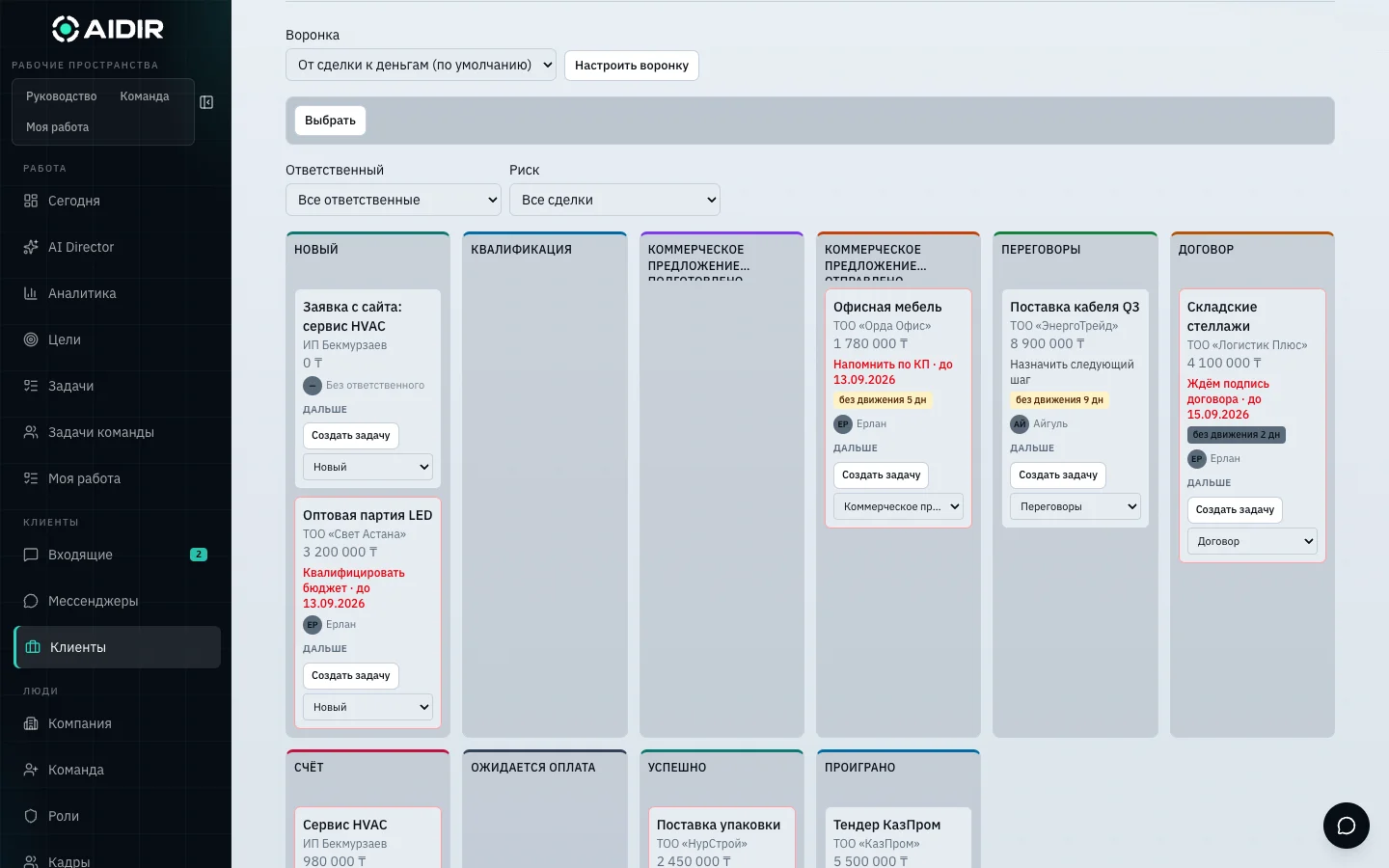
Projects, sub‑tasks, time tracking and manager review — integrated with CRM and goals.
Unified CRM and ERP layer: sales, documents, finance, inventory, personnel and inbound from WhatsApp and Telegram.
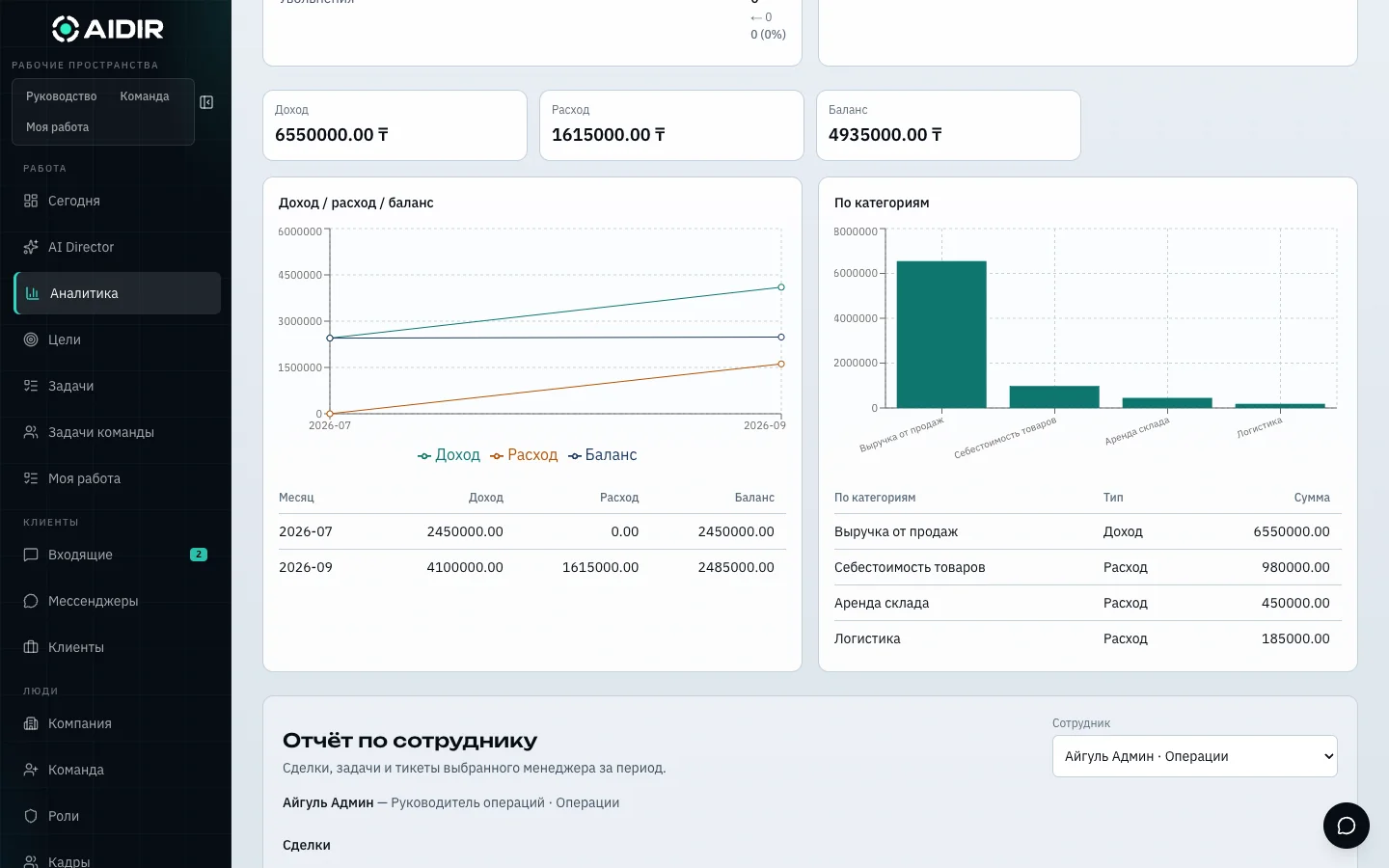
Owner dashboard, funnel, period comparison and reports. AI Director gathers signals and proposes a plan.
01
Monitors goals and KPIs: schedule lag, stuck metrics, inactive owner, signals from CRM and tasks.
02
Prepares a structured recovery plan for the goal – not fragmented advice, but a concrete “propose solution”.
03
Owner or administrator approves the plan or rejects it with a reason. Without a human, the system does not act.
04
After approval, tasks are assigned to executors, deals in CRM move to the next step. Every decision is recorded in the audit.
Rule-based automation and AI models are different tools. Often both are needed: rules cover 80% of the flow, models handle the unstructured tail. Here’s a map of tasks and outcomes, without hype.
Faster first response, reduced load on L1, more consistent answer quality.
Fewer “forgotten” leads, higher follow‑up speed.
Less manual entry, fewer accounting errors.
Higher utilization, clearer deviation visibility.
Reduced load on HRBP and helpdesk.
| Automation (rules / workflow) | AI (models / agents) | |
|---|---|---|
| Better for | Clear statuses, forms, approvals, schedules | Text, documents, ambiguous queries, meaning search |
| Predictability | High | Requires monitoring and quality assessment |
| Data | Structured | Text, files, dialogue history |
| Risk | Rule errors | Hallucinations, leaks, drift |
We start with the process. We add a model when rules hit unstructured data or variability.
Integrate models / APIs — When
Custom / fine‑tuning / own pipeline — When
We offer both approaches — and help choose based on timeline, risk and TCO, not model hype.
01
What we change: time, error rate, processing cost, CSAT.
02
Sources, quality, PII, policies.
03
1–2 streams, baseline vs after.
04
Evaluation set, thresholds, escalation to human.
05
UI in the work system, monitoring, rule adjustments.
No. First we define the department’s task and metric. Then we use a ready API, fine‑tuning or rules. We never launch a model into production without a quality framework.
Yes. Typically 1–2 streams, baseline vs after, evaluation set and escalation threshold to a human. After that – a decision on scaling.
AI platform for business management: CRM, sales funnel, tasks, documents and finance — with AI Director acting as an operational manager.
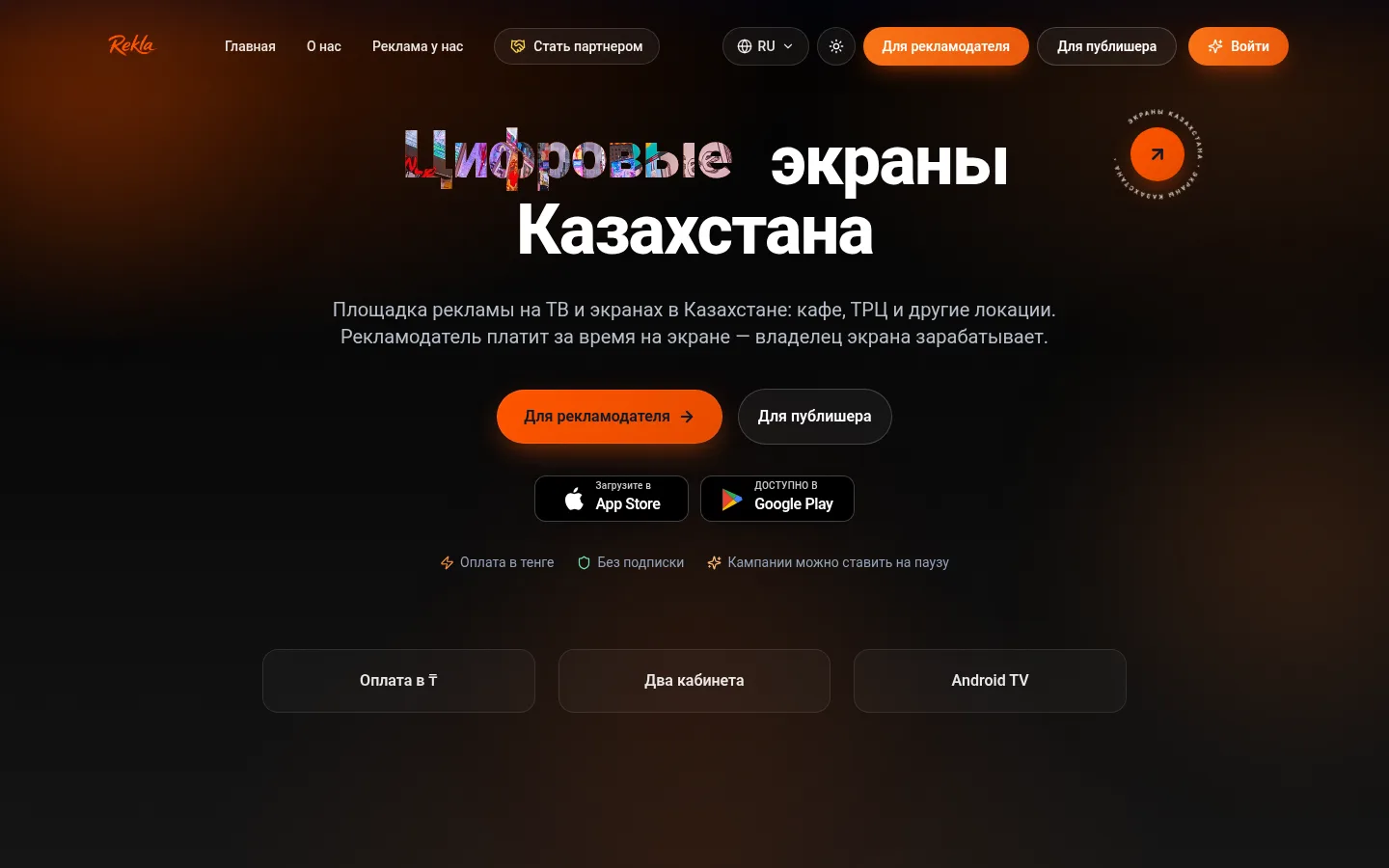
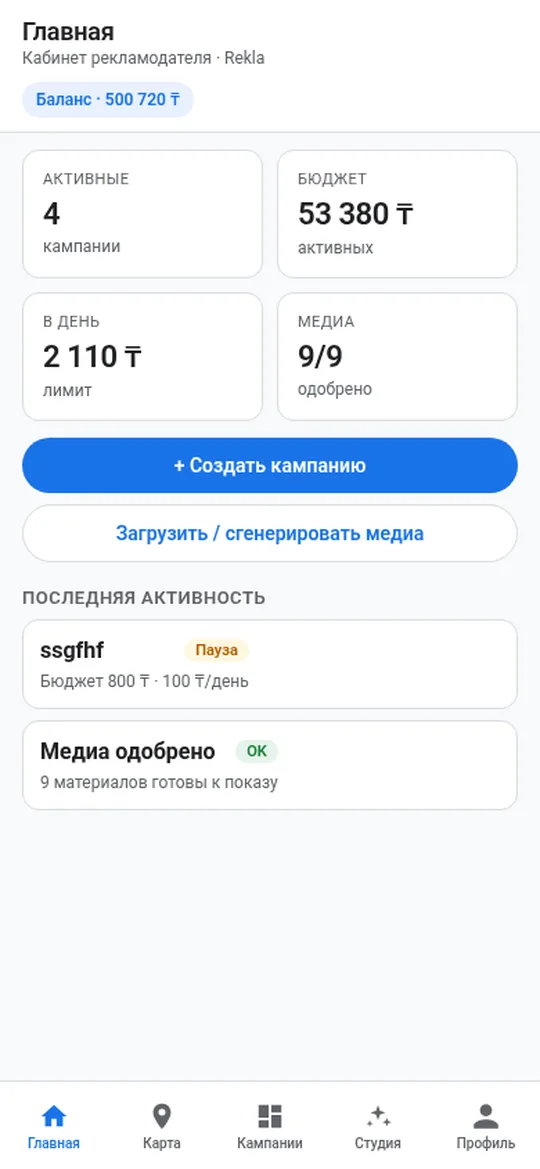
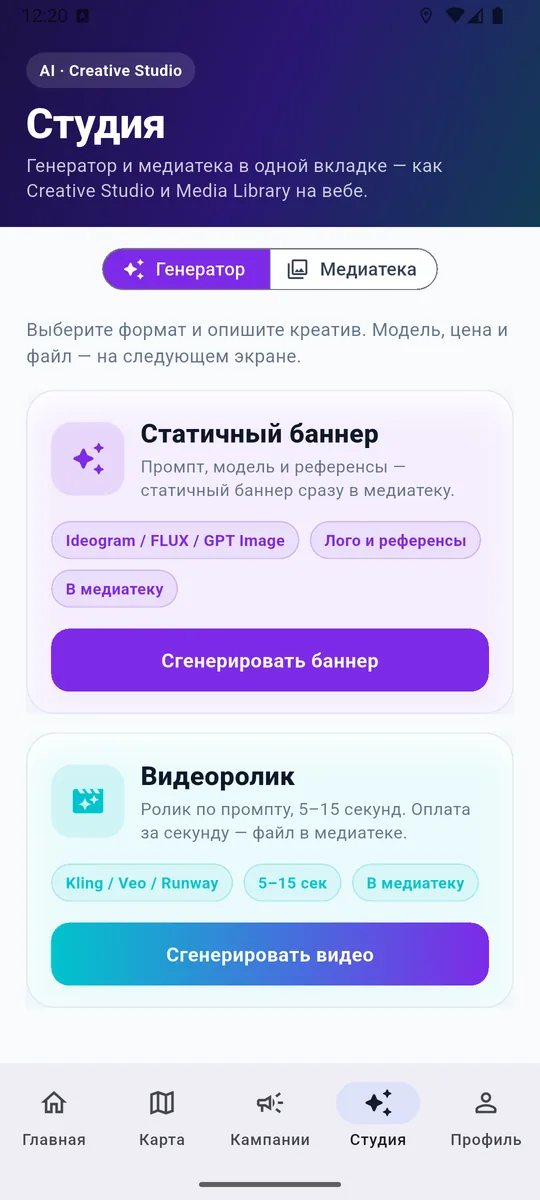
Advertiser launches campaigns, screen owners connect inventory and manage slots.
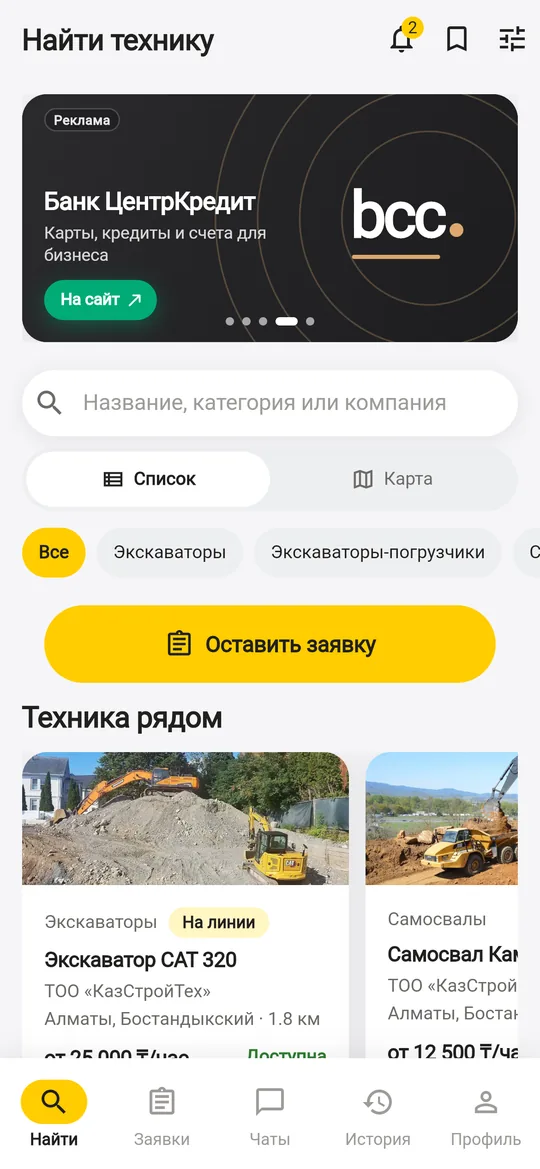
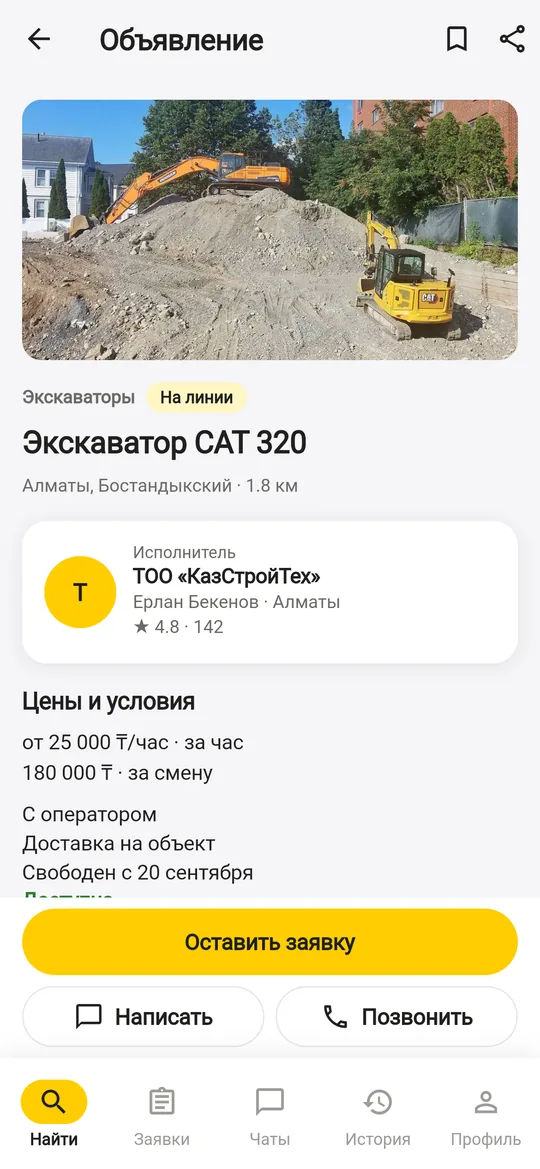
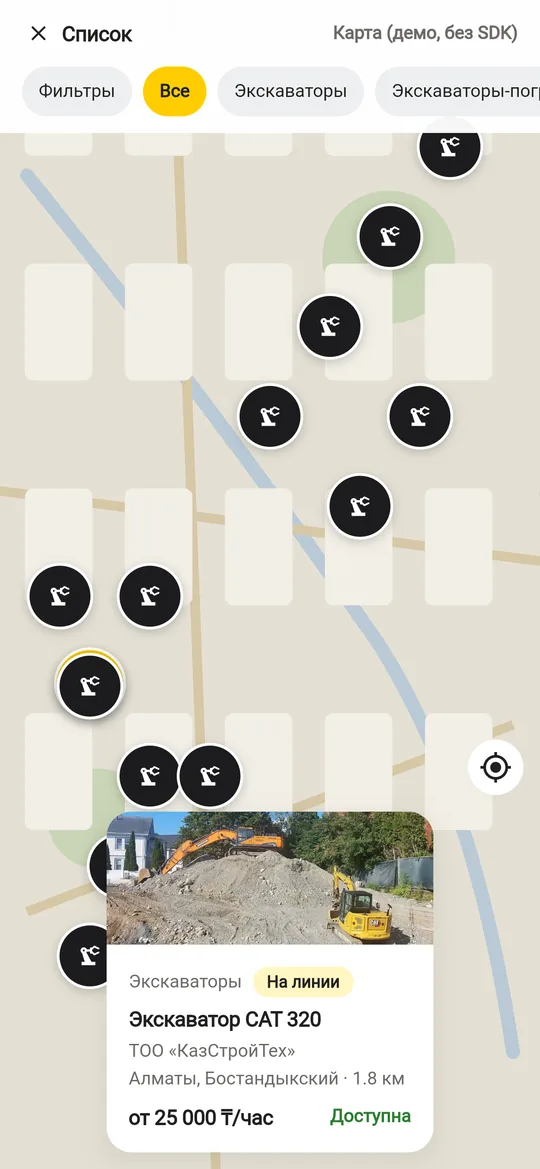
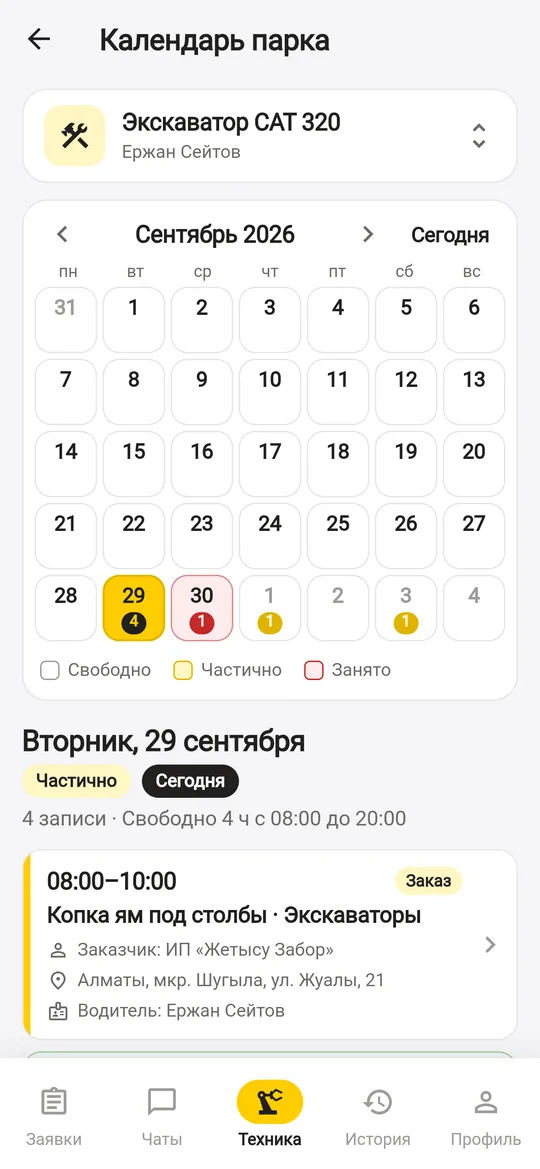
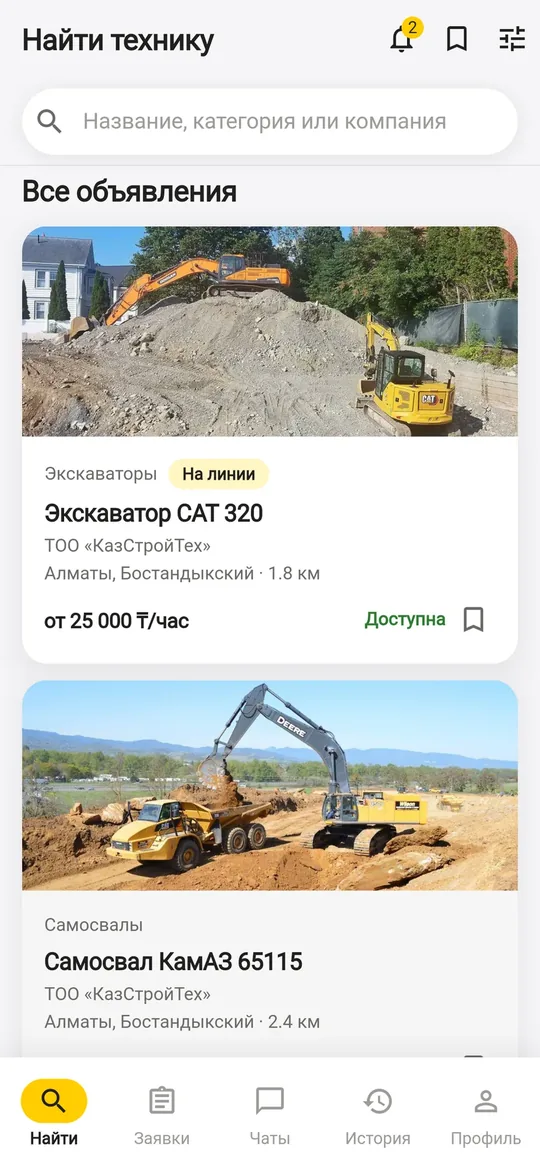
Marketplace for equipment rental: equipment nearby on the map, direct responses, no rental fees.
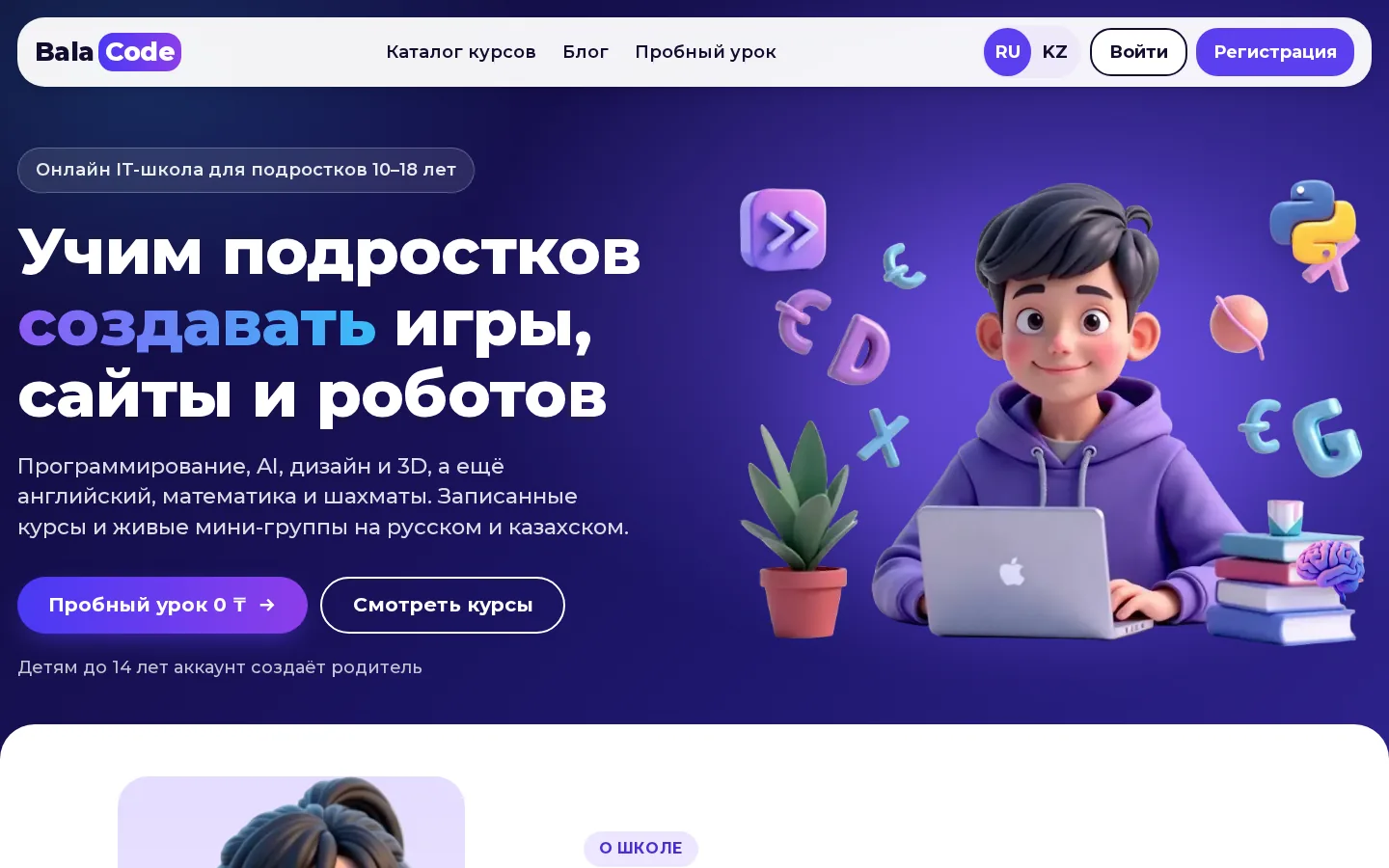
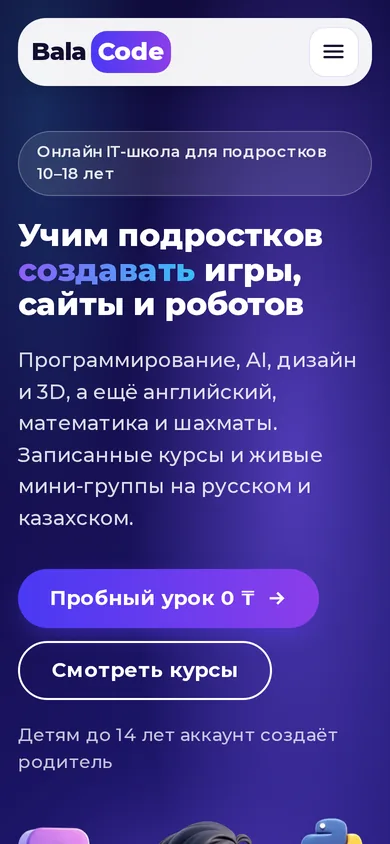
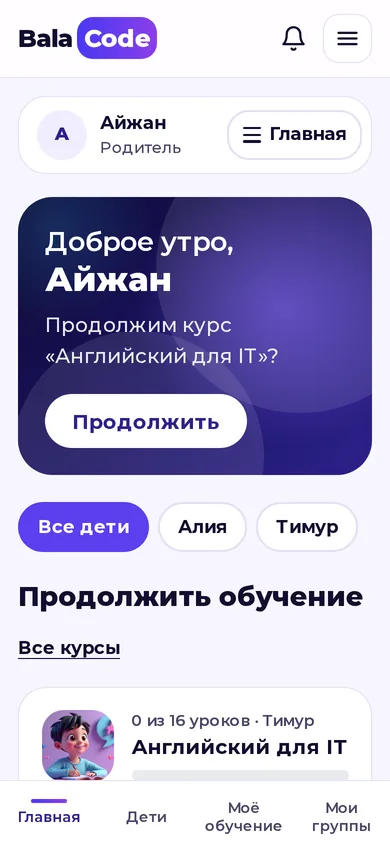
An online IT school for kids aged 10–18: video courses and live mini-groups in RU and KK, trial lesson 0 ₸.
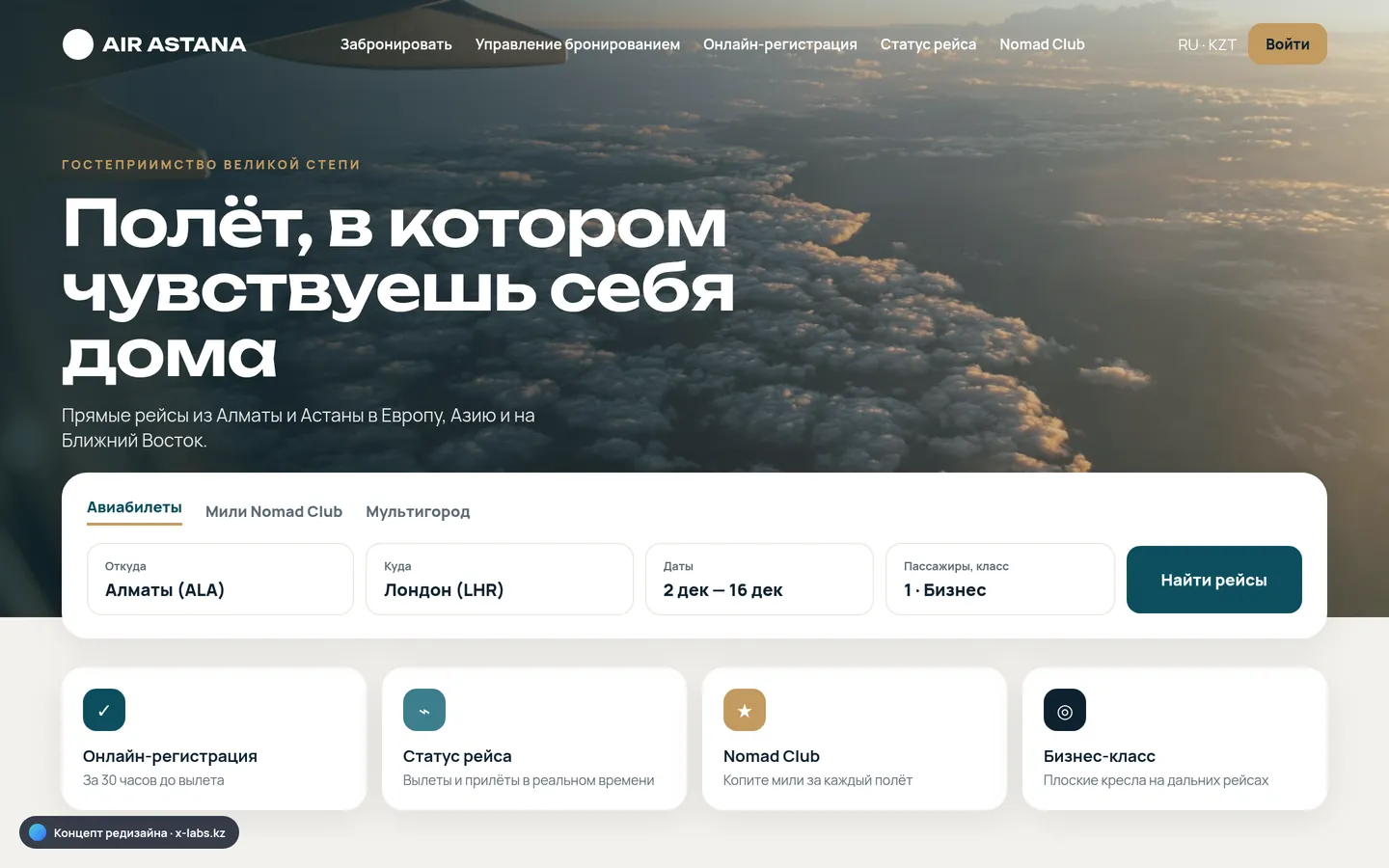
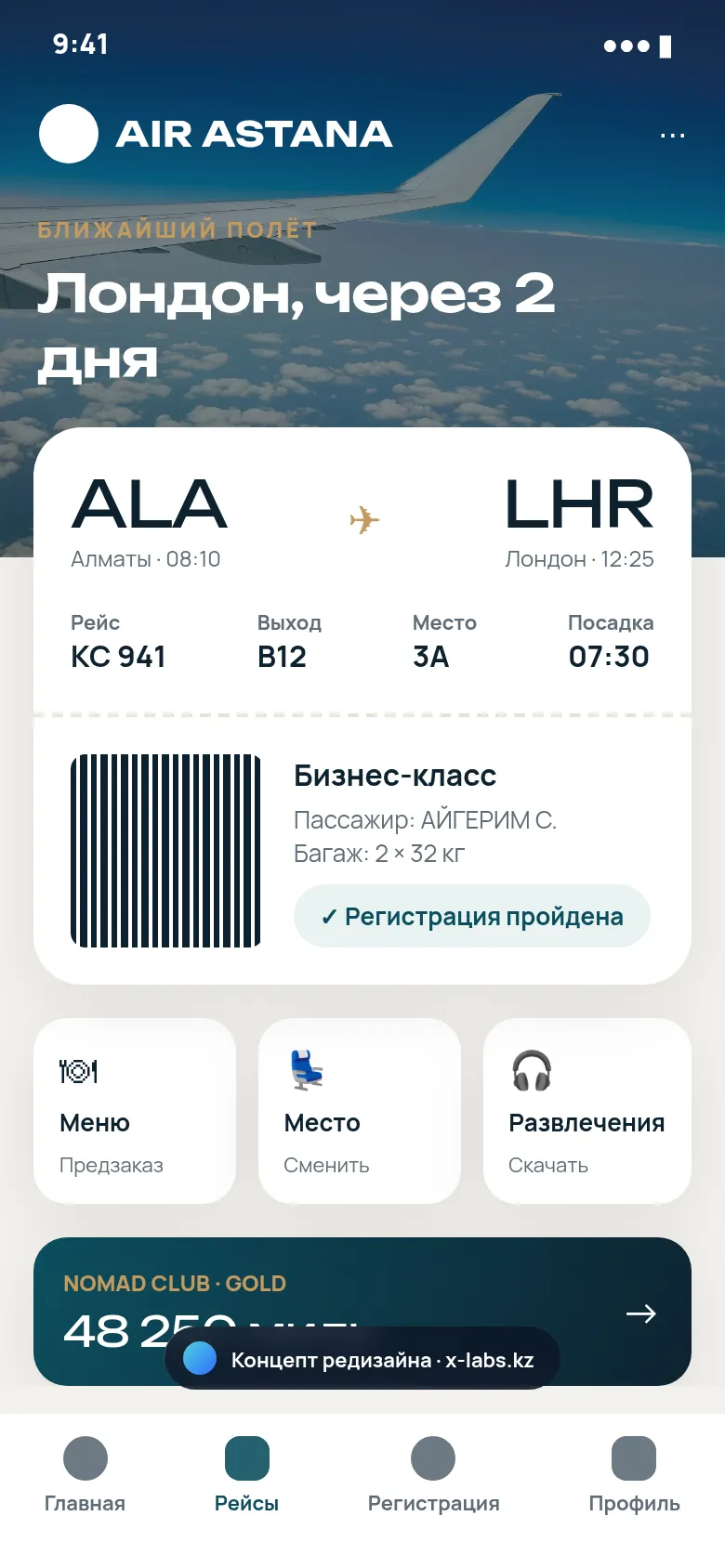
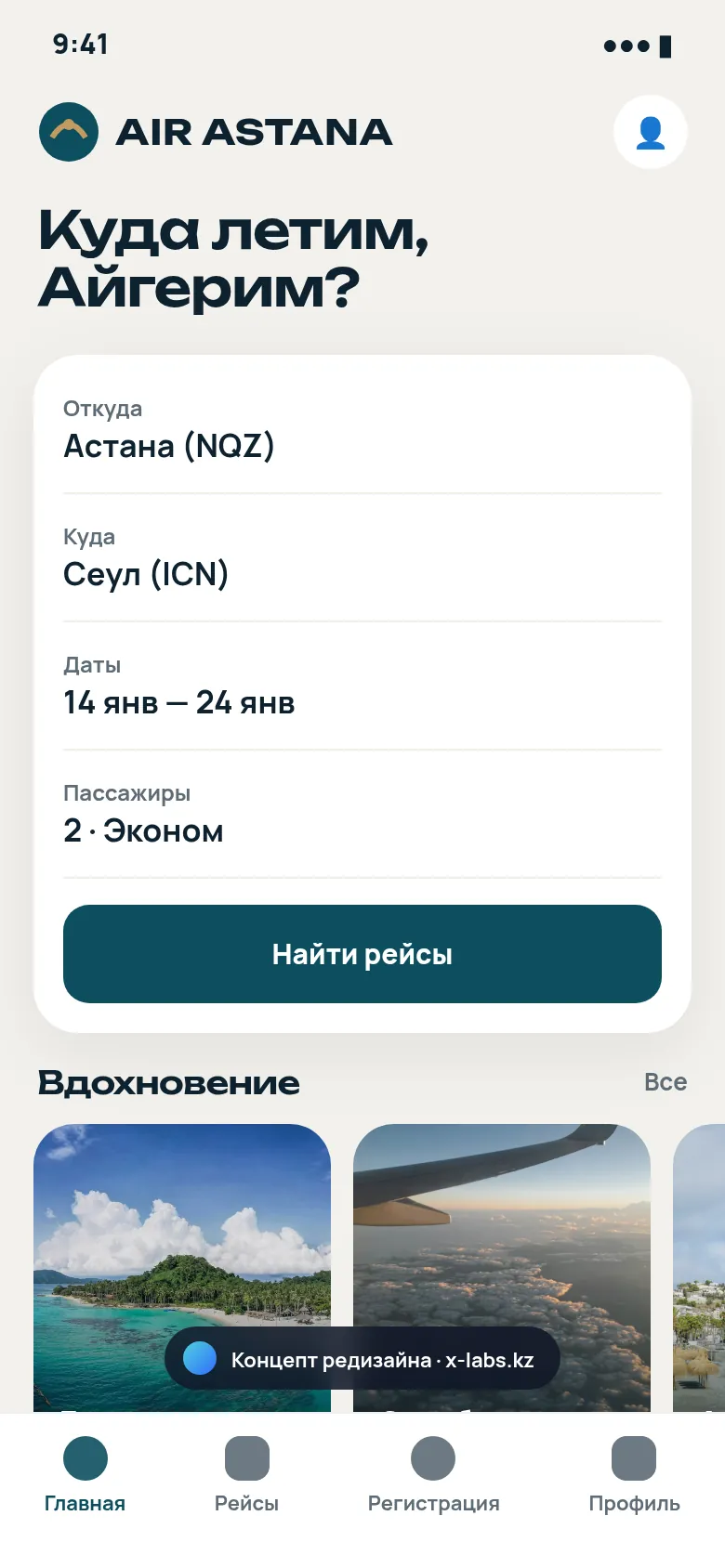
Design and structure concept: 5‑step booking and boarding pass in the app.
Design and structure concept
Related services
Describe the flow — we’ll suggest where rules suffice, where a model is needed, and how long the pilot will take.